macOS support available
Beta
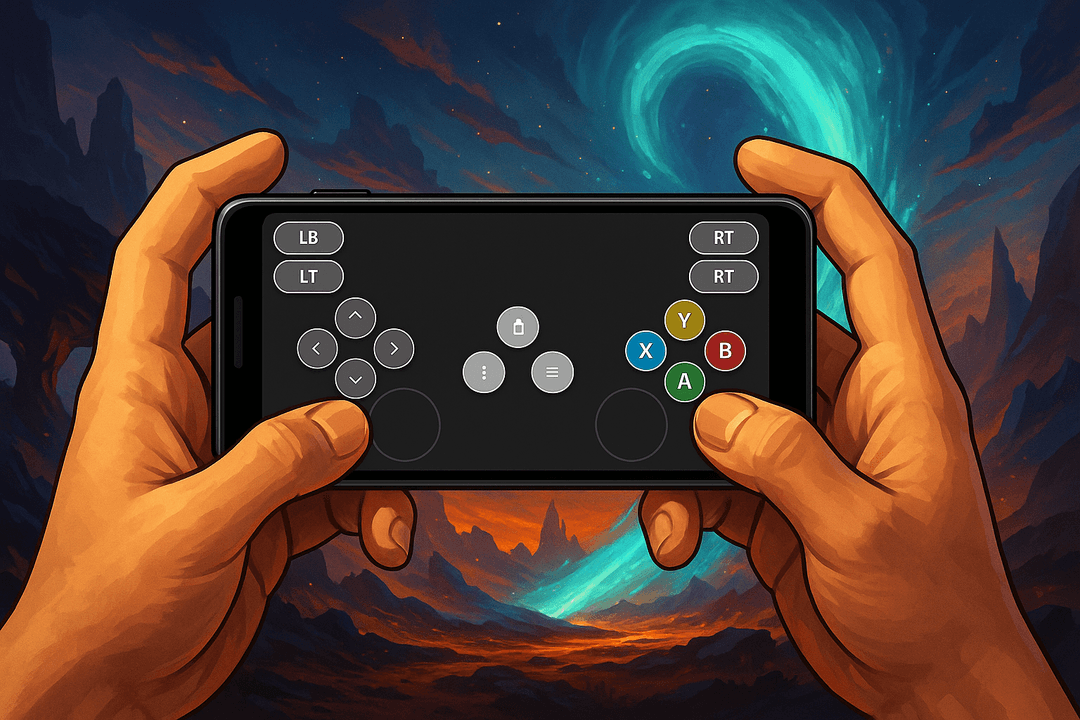
Use Your Phone as a Gamepad
Turn your smartphone into a low-latency wireless controller for Windows PCs and Macs.
Features
Wireless Connection
Connect seamlessly via WiFi
Customizable Controls
Create your perfect control layout
Low Latency
Responsive controls with minimal input lag
Download GamerPad
Install the desktop application on your computer and pair it with the GamerPad mobile app.
Desktop application
Windows desktop application
Installer package for Windows desktops, gaming handhelds, and dedicated gaming systems.
Requirements
Windows 10 or later
Installation
Run the installer, launch GamerPad Server, and keep it open while pairing.
Alternative desktop builds
If you need another installer, you can access it below.
Mobile application
Install the companion app on Android or iPhone and use your phone as the controller surface.
If the mobile app is already installed, you only need the appropriate desktop build. The app will try to discover your desktop automatically, and you can scan the on-screen QR code if it is not found.
Setup overview
01
Install GamerPad on Windows or macOS
02
Open the GamerPad mobile app
03
If your desktop is not found automatically, scan the on-screen QR code